Frequently Asked Questions
AI Rap Video Generator FAQ
Quick answers on turning photos into AI rap videos, making two people rap together, mobile usage, free previews vs. credits, and viral trends like Hotel Lobby AI.
How can I make an AI rap video from photos?
Pick an AI rap template in the generator above, upload 1 or 2 clear front-facing photos (depending on the template), and click Generate. In about 3 minutes, you can download a watermark-free 15-second HD MP4 video.
Can I turn a photo of myself into an AI rapper?
Yes. Upload a single portrait selfie into one of our 1-photo viral remake stages (such as Check One Two, Iceman, or Bulin 47), or pair your photo with a friend in a 2-photo rap duo template to see yourself rapping with animated facial expressions and lip-sync.
How do I make two people rap together using AI?
Choose any two-person template (all 15 Original AI Rap templates plus the Hotel Lobby AI remake support two performers). Upload two separate solo photos for the left and right rappers, use the 1-click swap button if you want to switch sides, and generate your two-person AI rap duo video.
Does this AI rap video maker include music and vocals?
Yes, in Original AI Rap mode. All 15 Original AI Rap templates generate a complete 15-second video with an original AI hip-hop beat, rap vocals, and synchronized lip-sync. Viral Rap Remake templates (like Hotel Lobby AI) export as silent MP4 files so you can attach official trending audio on TikTok or Reels without copyright mutes.
Can I create an AI rap video on my phone?
Yes. Rap AI Video runs entirely in your mobile or desktop web browser — no app download required. You can upload camera-roll selfies, preview your stage, and download the finished MP4 directly on iPhone or Android.
Is there a free AI rap video generator?
You can browse all 21+ templates, watch real sample videos, upload your photos, and generate 1 personalized stage preview image for free. Rendering a full 15-second HD video uses 50 credits (available in one-time credit packs from $6.99 for 1 video down to $3.33/video, with no subscription).
How can I make a viral TikTok AI rap video?
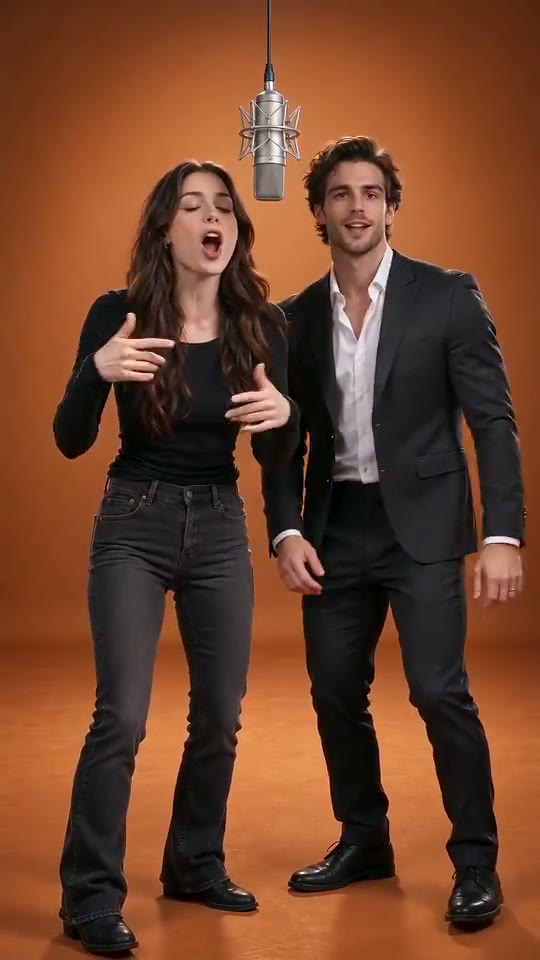
Open the "Viral Rap Remakes" tab and pick a trending stage — such as Hotel Lobby AI (the famous AI rap video with the orange studio background and hanging silver mic), Check One Two, or Iceman. Upload your photos, download the 15s MP4, and tap "Add sound" in TikTok or Reels when posting.
Do I need to write rap lyrics or prompts?
No. Camera angles, lighting, and choreography are pre-directed inside every template, so no video prompts are needed. For Original AI Rap templates, you can pick a 1-click vibe preset (Birthday, Roast, Best Friends, Pet Flex, Christmas, or Night Out) or enter a short custom shoutout theme — note that this sets the topic for the AI verse rather than pasting a full custom lyric sheet.
What photos work best for an AI rap video?
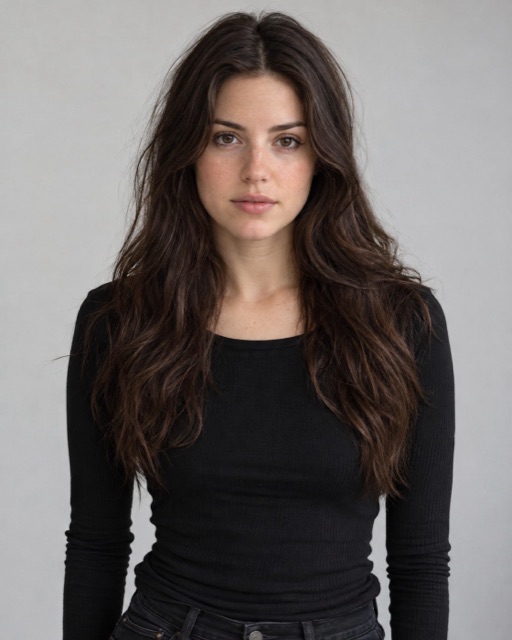
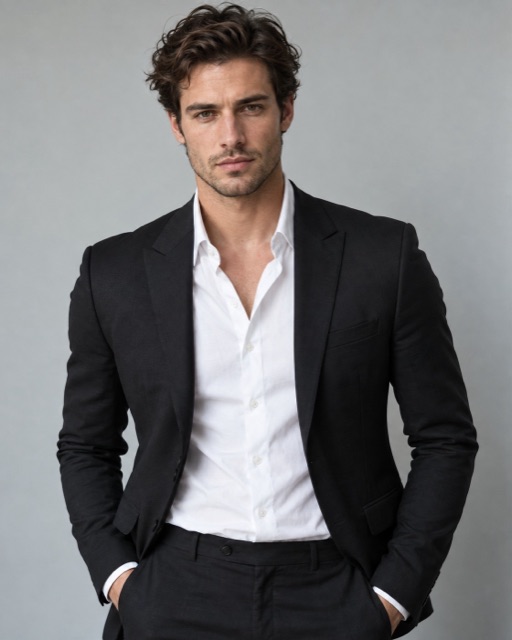
Use clear, well-lit, front-facing or 3/4 portrait photos with one person or pet per upload slot and the eyes and mouth clearly visible. Avoid group photos, heavy sunglasses, face masks, or blurry screenshots.
What happens if a video render fails, and are my photos private?
If a video render ever fails on our side, the 50 credits are automatically refunded to your account balance. All uploaded photos and videos are private to your account by default, never used to train AI models, and source photos auto-delete after 7 days.